All Channels is a fast, remote-friendly IPTV player. A proper TV guide, instant search across live TV, movies and series, and a setup you finish from your phone. Bring your own provider: we never touch your content.
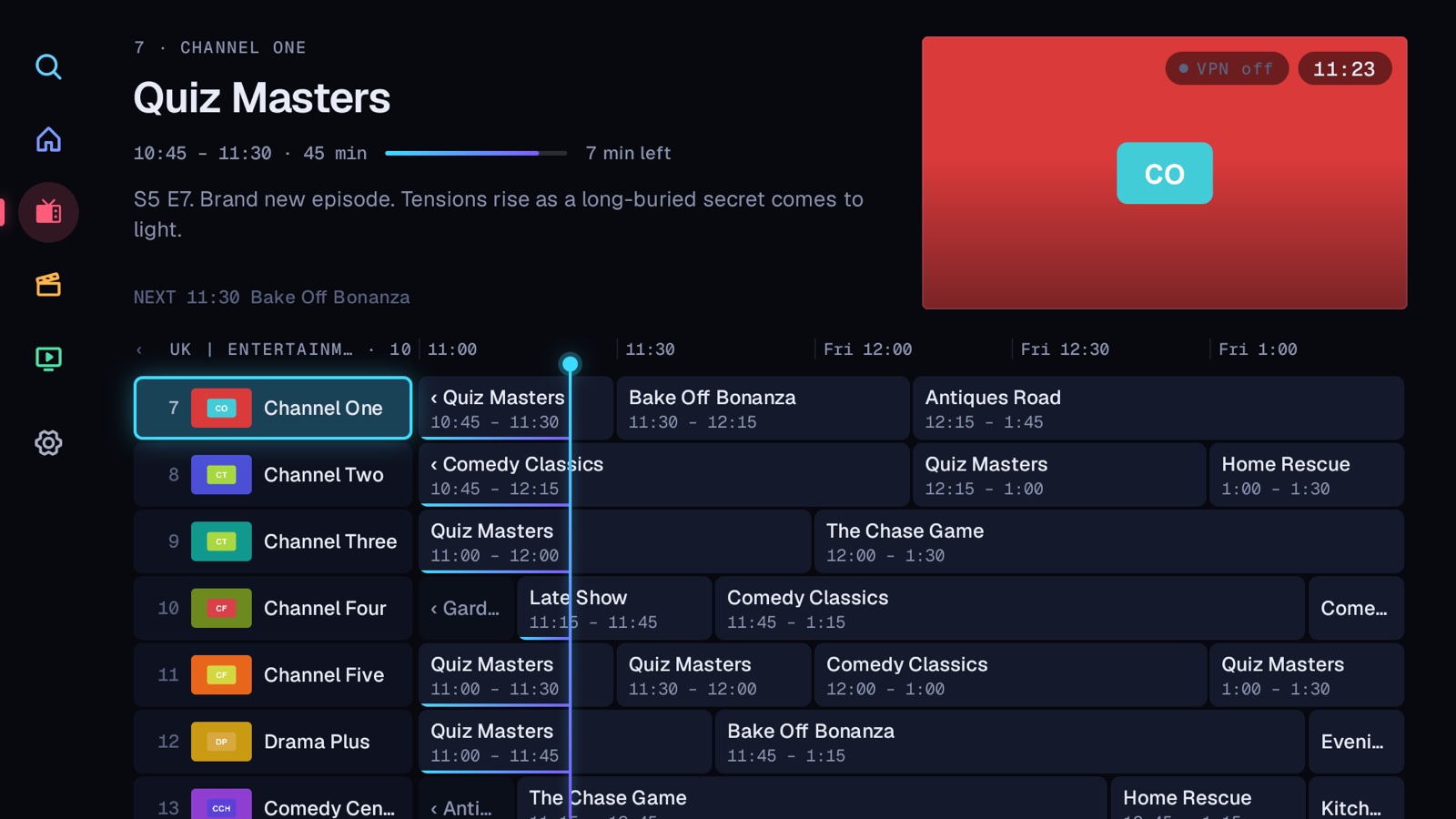
The guide, on a Fire TV Stick. Channels and programmes shown are sample data.
Xtream Codes login
M3U playlists
XMLTV guide data
Tested on Fire TV Stick 4K
Works with your VPN
Built for the remote
Designed for the couch, not the desktop.
Every screen is made for a D-pad and a ten-foot view: big targets, clear focus, and no menus you have to hunt for.
A proper TV guide
See what's on now and next in a programme grid with a live progress bar. Switch groups, set a reminder, or open a channel with one press. Live preview plays the focused channel right in the guide (you can switch it off in Settings).
Search everything at once
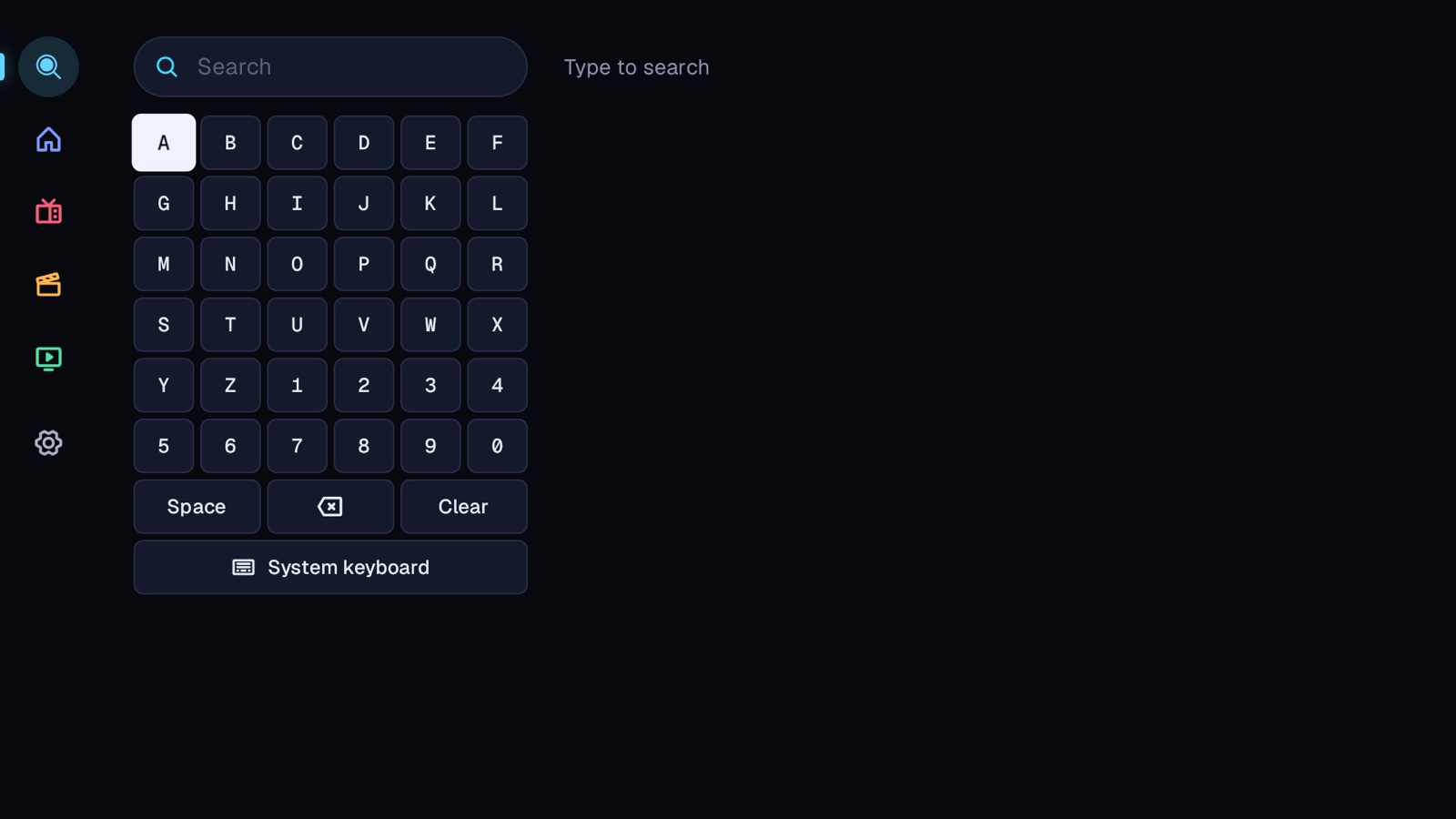
Channels, movies and series in a single search, with a D-pad keyboard built in. Prefer your own? The system keyboard is one press away.
Movies and series that aren't a mess
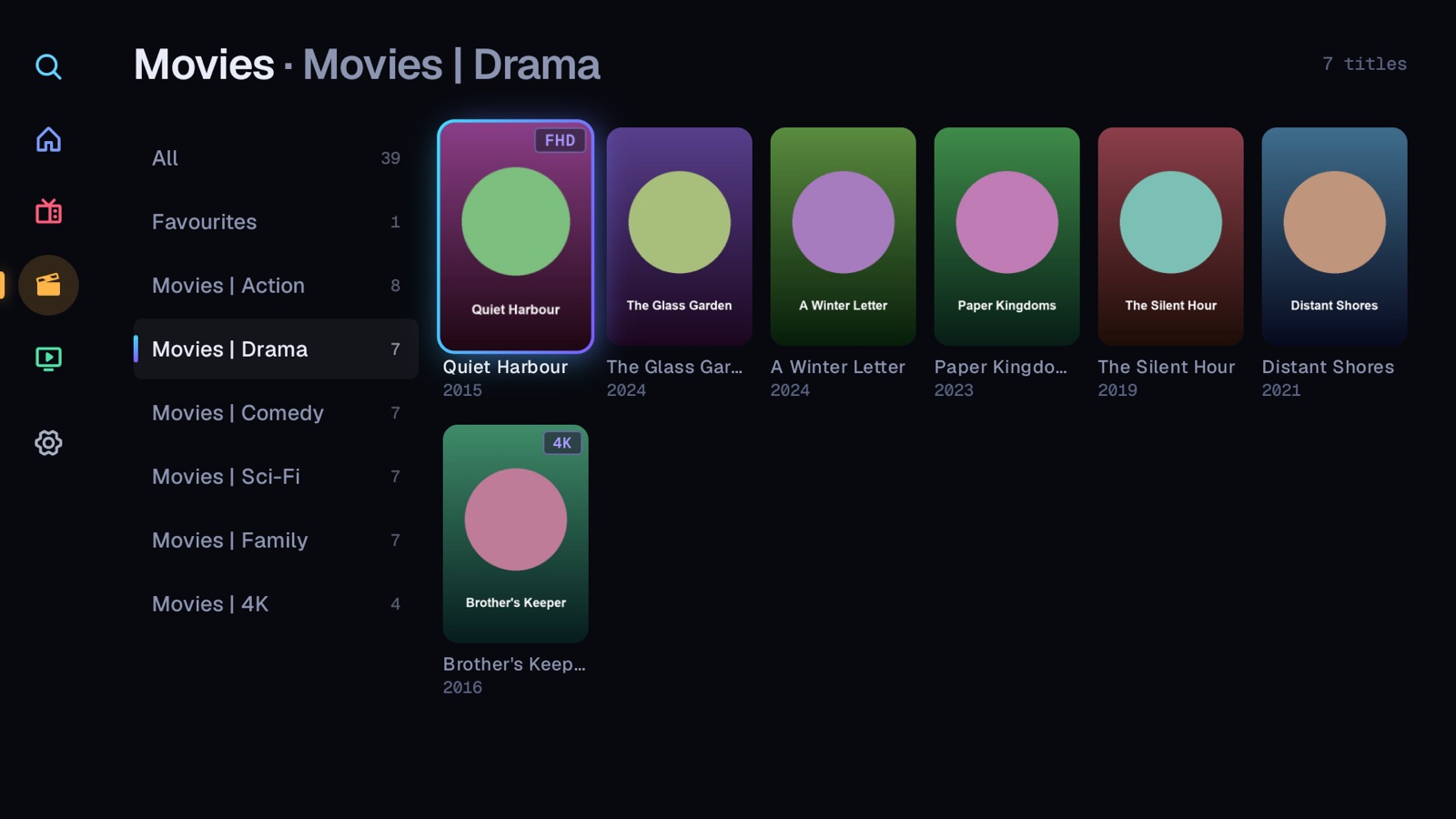
Listings of the same title and year in different qualities are merged into one, names are tidied up, and the All list is sorted A to Z. Hide the categories you never watch.
Plays nicely with VPNs and blocks
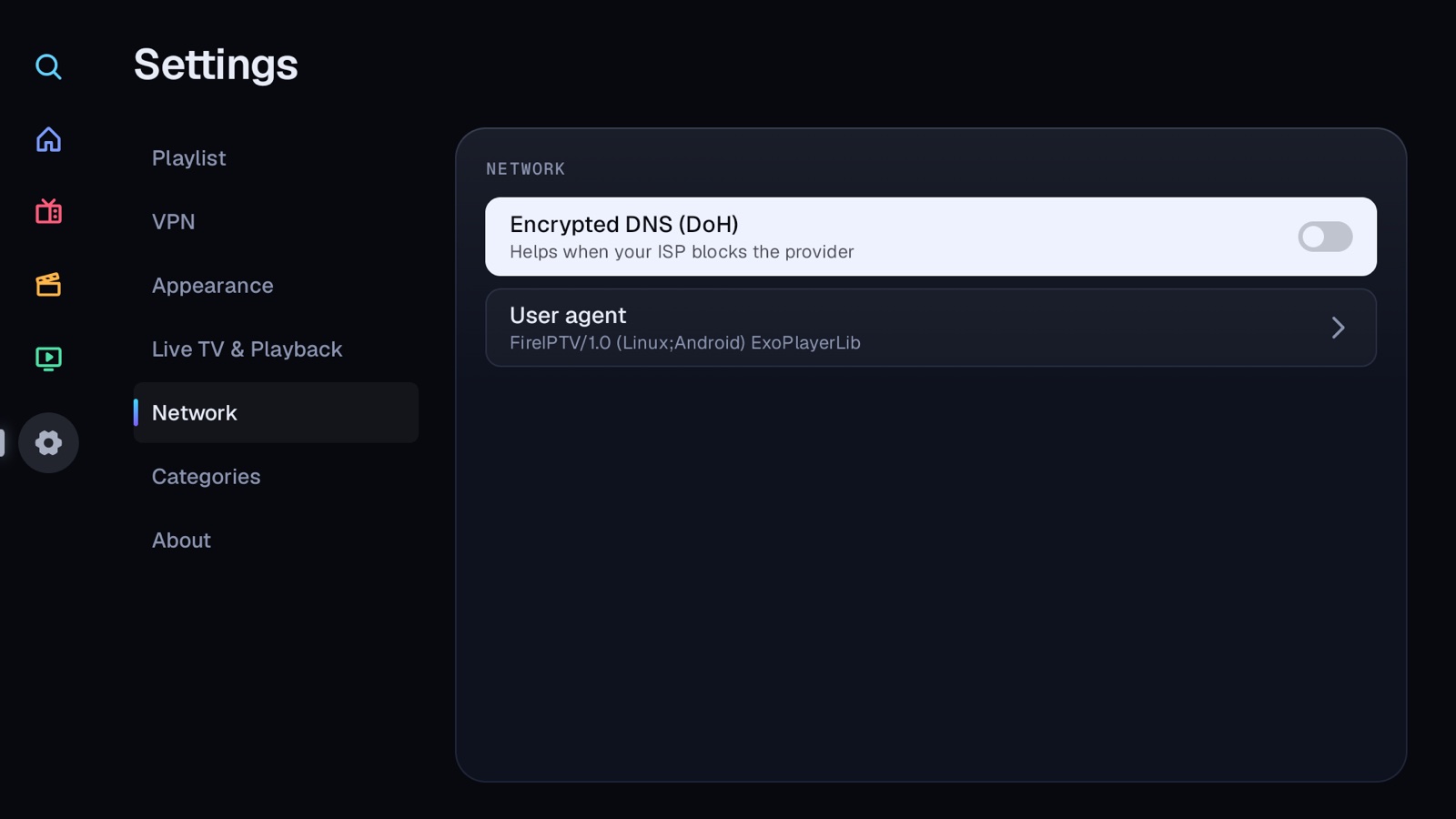
All Channels notices when your VPN connects and picks the stream back up. If your internet provider blocks your IPTV provider, optional encrypted DNS can help.
Continue watching
Resume films and episodes exactly where you stopped.
Favourites and recents
Star what you love. Recent channels are one press away.
Reminders
Get a prompt over any screen, the player included, while All Channels is open, when a programme you asked about starts.
Sleep timer
Fall asleep to the TV. Playback stops after the time you choose, so your Fire TV can go to sleep.
Stream info
Resolution, codec, frame rate and bitrate of what's playing.
Previous channel
Flip back to the last channel, like on a real remote.
Plain-English errors
If a stream won't play, it tells you why, so you know who to ask.
Interface size
Scale everything up or down to suit your TV and your eyes.
Setup
Add your provider from your phone.
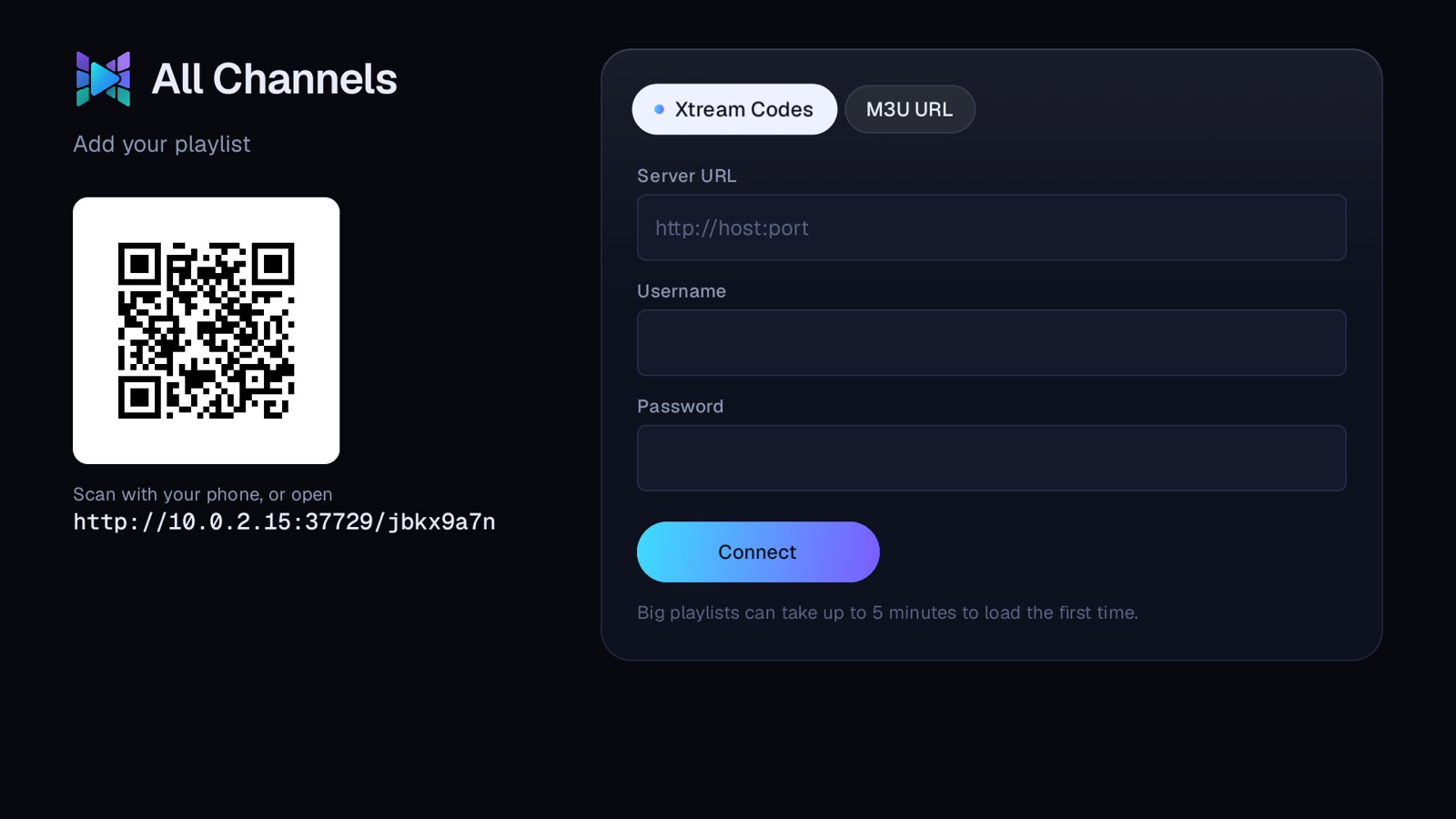
Typing a long server address and password with a TV remote is miserable. So All Channels shows a QR code: scan it, fill in your details on your phone's keyboard, and the TV does the rest.
Scan the QR code
Point your phone's camera at the code on your TV. It runs over your home network, so nothing goes through the internet.
Enter your provider's details
An Xtream Codes login or an M3U link, whichever your provider gave you.
Start watching
Your library loads in the background. Big libraries can take a few minutes the first time; after that it opens quickly.
Fast with huge libraries
Some providers list over 100,000 titles. We built for that.
Plenty of IPTV apps freeze or crawl when a library gets big, especially on a Fire TV Stick. All Channels loads movies and series a page at a time and keeps its counts ready, so even the biggest list's first screen appears quickly.
100,000+titles in the library we tested, on a Fire TV Stick 4K
240titles load at a time, then more as you scroll
1 per titleand year, however many qualities your provider lists
0accounts, ads or trackers
Install
On your Fire Stick in minutes.
All Channels is a direct download, not an Amazon Appstore app, so you install it with Downloader, a free app from the Appstore. You only do this once.
Get Downloader
Search for Downloader on your Fire TV and install it. It's free.
Allow it to install apps
Turn on Install unknown apps for Downloader. (On Fire OS 6 it is one switch for all apps.)
Type your short address, press Go
After you buy, you get a short personal address. Enter it in Downloader and select Install.
Needs a Fire TV running Fire OS 6 or later and your own IPTV provider.
Questions
Good to know before you buy.
Does it come with channels, movies or a subscription?
No. All Channels is a player. It doesn't provide, host or sell any content. You add the login or playlist link from an IPTV provider you've chosen, and it plays what that provider supplies.
You're responsible for making sure your use of any provider is lawful where you live.
Which devices does it run on?
Fire TV devices running Fire OS 6 or later, such as the Fire TV Stick 4K and 4K Max. It was built and tested on a Fire TV Stick 4K.
Devices that run Amazon's newer Vega OS, such as the Fire TV Stick 4K Select, can only install apps from the Amazon Appstore, so they can't run it. To check yours, open Settings, My Fire TV, About.
Why isn't it in the Amazon Appstore?
It's sold directly from this site. After you buy, you install it with Downloader, a free Appstore app. The install guide walks through every step and takes a few minutes.
Is it safe to install apps from outside the Appstore?
You decide what gets installed. On Fire OS 7 and later you allow Downloader alone; on Fire OS 6 the switch covers all apps. Either way, switch it off again as soon as All Channels is installed.
What does it do with my data?
Your provider login is stored on your Fire Stick and nowhere else. There's no account, no analytics and no advertising.
The app talks to your provider and to the artwork and guide links in your playlist. If you switch on Encrypted DNS, the host names it connects to are looked up through public encrypted-DNS services (Cloudflare, then Quad9 or Google). After a failed setup, refresh or stream it also asks them to look up your provider's host name, to tell whether your internet provider is blocking it, even with Encrypted DNS off. Only host names are sent, never paths or login details. The privacy page has the details.
Does it work with a VPN?
Yes. Install your VPN's Fire TV app, connect, and All Channels notices. If a stream was playing, it reconnects and carries on. Settings also lists the VPN apps on your Fire TV and can open them for you.
Xtream Codes or M3U: which do I need?
Providers give you one or the other. Xtream Codes is a server address, a username and a password. M3U is a single playlist link, optionally with an XMLTV link for the guide. All Channels supports both.